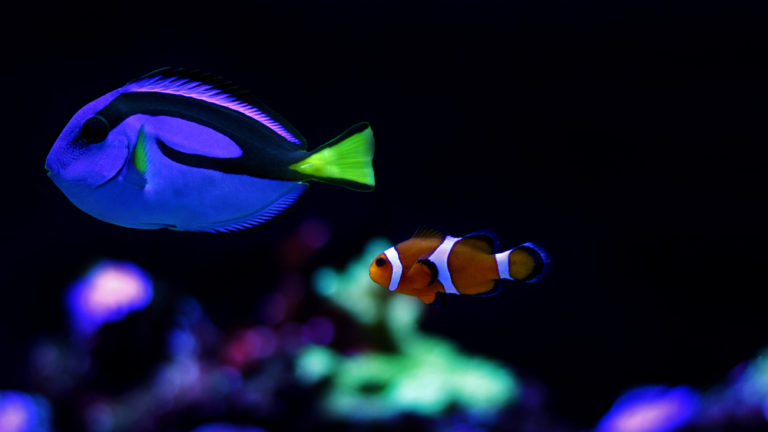
Your reef looks balanced in person, but the phone produces a blue image with lost detail. Turning up saturation may make it brighter without making it more accurate. Start with the light reaching the camera and the settings used to record it.
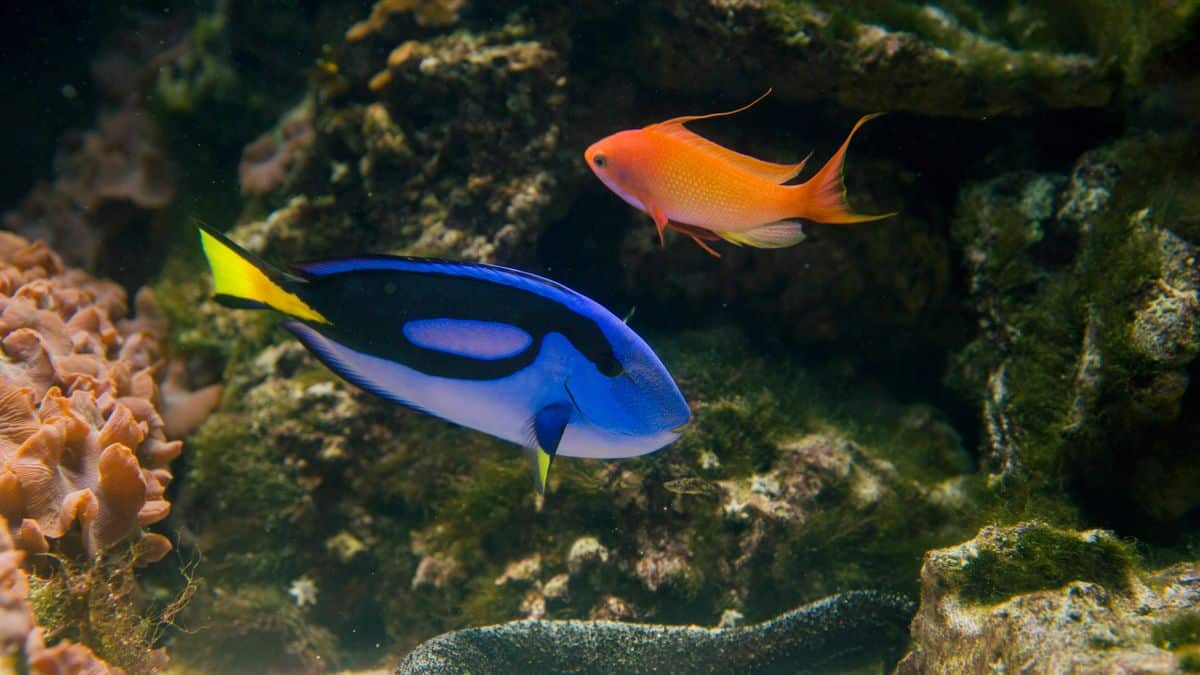
Check the blue cast before editing color
Bulk Reef Supply’s aquarium photography guide identifies strong blue lighting as a common difficulty. It discusses white balance, filtering and reducing unwanted reflections as ways to improve the capture.
Try the phone’s available white-balance or professional controls before applying a heavy filter. If using an external lens filter, compare it with an unfiltered frame. Different devices and lighting spectra need different adjustments; one preset will not reproduce every reef faithfully.
Avoid permanently changing the animals’ lighting program just to make phone photos easier. The reef lighting guide covers the separate question of useful coverage and controls for the aquarium.
Keep reflections and blur out of the first frame
Clean the viewing panel safely and remove bright room reflections where practical. Keep the lens close to perpendicular to the glass, steady the phone and tap the intended subject for focus. Digital zoom often makes a weak starting image harder to rescue. For tiny subjects, the phone-macro example shows why focusing distance matters before magnification.
Compare several frames with small exposure changes. A brightly glowing patch can lose detail when overexposed even if the rest of the picture looks dark. Preserve an original file so later editing does not erase the record.
If equipment is temporarily changed for photography, supervise the aquarium and restore its operating state promptly. Do not leave pumps stopped or animals without needed circulation while reviewing a gallery of pictures.
Make comparison photographs comparable
For growth or health records, use similar lighting, distance, angle and time in the light cycle. Note any deliberate change in the aquarium’s settings. Two differently processed photographs cannot reliably demonstrate that a coral changed color.
Our coral acclimation guide discusses actual lighting changes and gradual adjustment. Photo editing cannot show whether a new coral has adapted to its placement.
A pleasing display image and a useful diagnostic record have different purposes. Keep color believable, retain the originals and avoid presenting a stock reef photograph as a before-and-after test of your own camera settings.